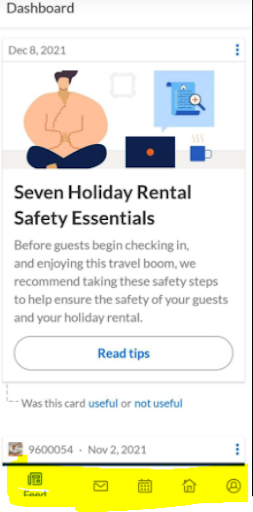
 Kingly TeamKingly Team
1. Download from Playstore
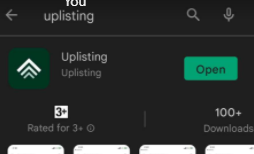
2. Once download, log in using your email / gmail account from your phone.
3. Then you are logged into the account.
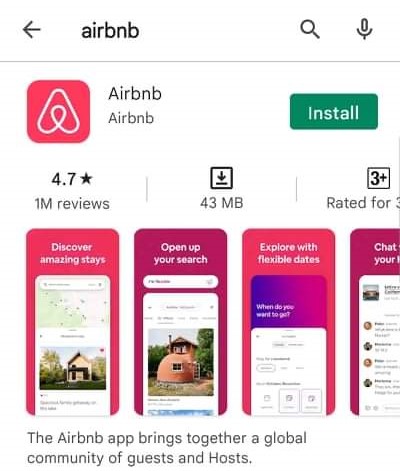
3. Download the App. Once downloaded, open app and login.
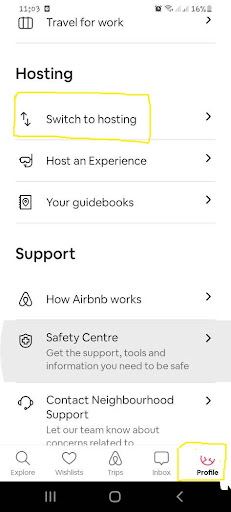
4. Once logged in,at the bottom right most part click profile.
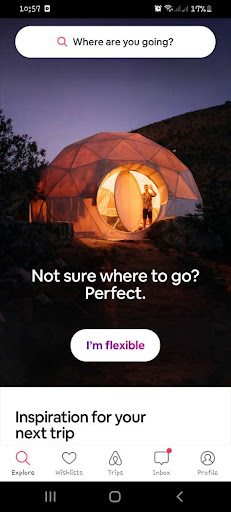
5. Click to switch hosting
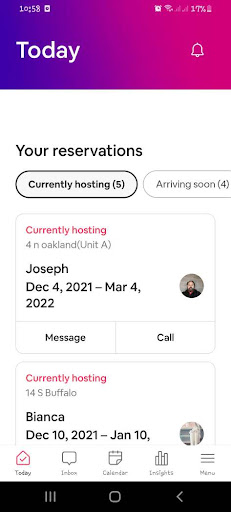
6. You are now ready to see all the information
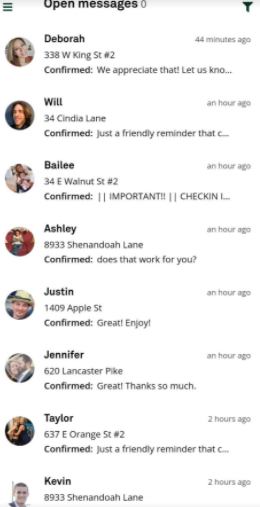
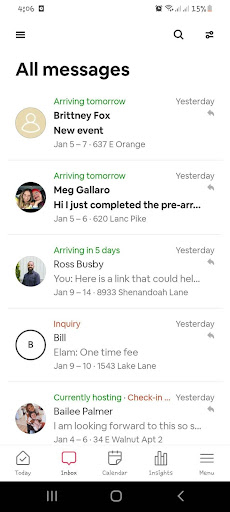
7. Click on inbox at the bottom to access guest messages.
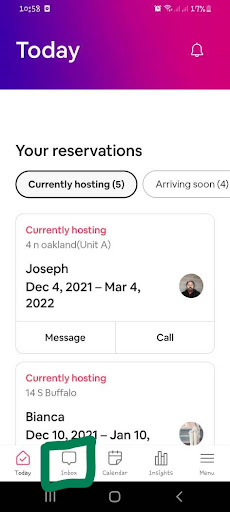
8. You can now see the messages of guests.
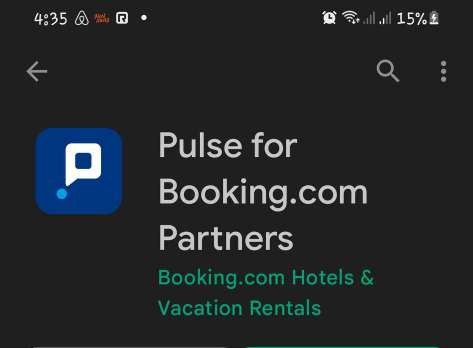
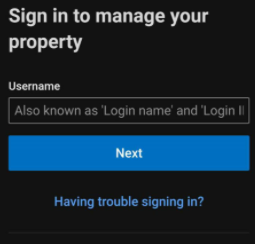
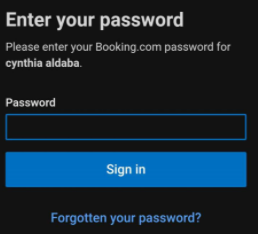
3. Log in to Pulse using your Extranet username and password.
3. Select your cell phone number from the list of registered numbers.
4. Choose whether you’d like to receive a verification code by call or text.
5. Once you receive the code, go back to Pulse, enter the code and select Verify now.
6. You can now see the messages, and bookings.
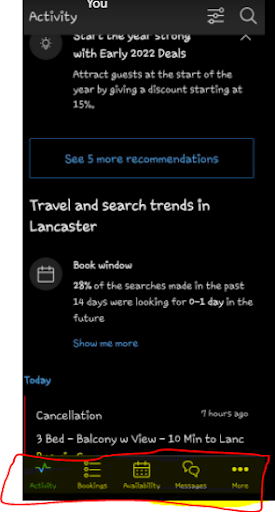
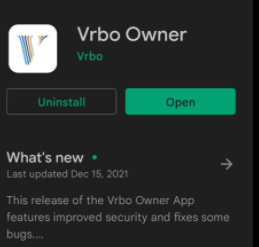
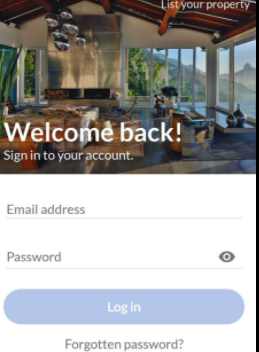
2. Login using your email and Password
3. Select your cell phone number from the list of registered numbers.Choose whether you’d like to receive a verification code by call or text.
4. You can now see the messages, and bookings.